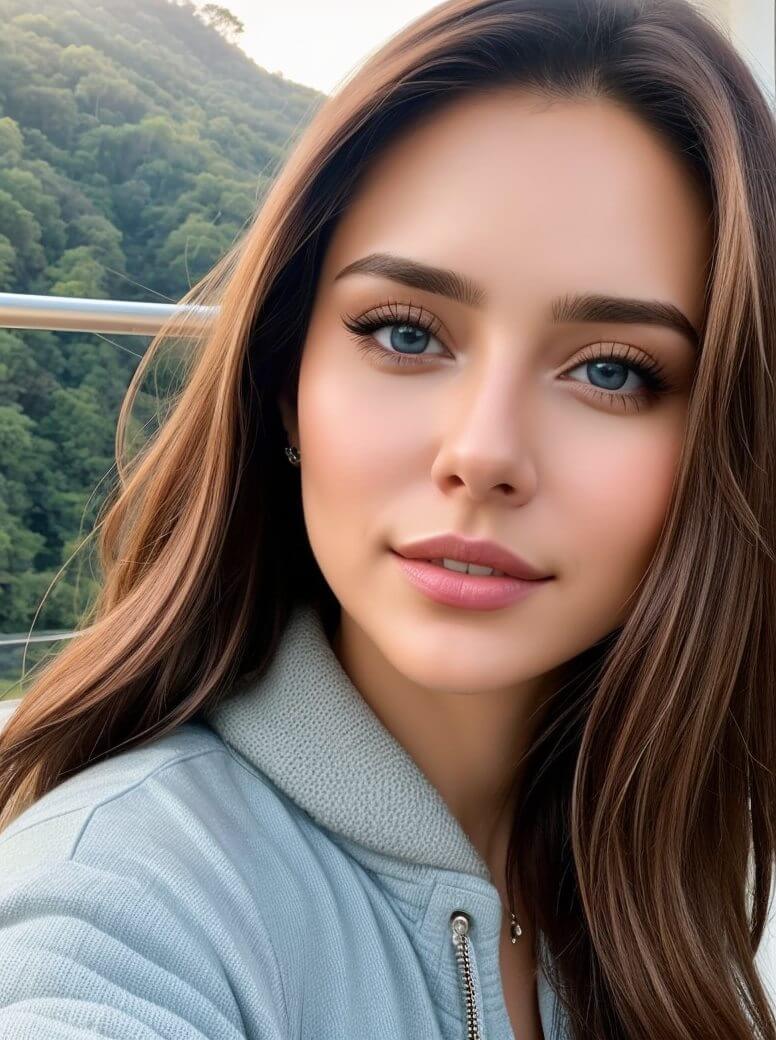
Build a simple visual composition
Keep stable appearance in Look-Like and add the scene's clothing, location and lighting to the request. A watchmaker examining an object at a workbench is easier to visualize than a whole personal history.
Hold the photographic or illustrated style steady while testing. Remove competing traits and change one thing at a time. Adding more biography can introduce conflicts instead of resolving the picture.
A fictional adult watchmaker at a wooden workbench, holding an open pocket watch. Bright indirect daylight, eye-level framing, dark green apron and a tidy background of repair tools.
Choose uploading, generation or editing deliberately
Upload attaches a source image to a conversation. It does not automatically replace the portrait, rewrite Look-Like or start an image-to-image transformation. Decide whether you want to discuss a picture, use it for character creation or alter it through a media action.
When a source-aware edit is available, select the intended image and name the change. Describe what should remain, such as composition or the adult character's clothing. Check the source thumbnail and mode before confirming.
For a failed, queued or locked request, inspect its notice and allowance. A content revision can change the requested picture but cannot repair an access requirement; repeated submissions can create separate jobs.
Use a source you have permission to provide
A public face or profile photo is not consent for intimate changes or redistribution. Use original fictional adults or permitted material, and never present generated imagery as evidence of real conduct.
To add motion, first choose a still whose framing already works. Introduce movement separately through the video controls and check duration and access for that format.
Common questions
How are Muah AI companion photos created?
Use appearance details and the selected image mode to describe a visible adult fictional scene. Keep style consistent and inspect the relevant account allowance before confirming the request.
How can I improve consistency between companion pictures?
Retain a few stable appearance traits, remove conflicting styles and test one scene change at a time. Clearer directions do not guarantee an identical result.
Where do I attach a picture in Muah AI?
Choose Upload in the conversation and check the selected attachment. Discussing that source and requesting a media edit are separate actions.
Is a new companion photo a face-swap operation?
No. An original fictional scene and an edit to a particular likeness are different requests. Source permission remains necessary, especially when a real person's identity is involved.